If you run an online shop in Kenya, you already work hard to be found.
You write product pages for Google, post on Instagram and keep your marketplace listings current. On 10 November 2026, OpenAI added one more place where shoppers might meet your business, and this time you can manage what it says.
The feature is called Businesses in ChatGPT. It lets a business claim a profile, keep its details current, share products with prices and availability, and see how often ChatGPT points people to its website.
With 1.2 billion people using ChatGPT every week, according to OpenAI, it is worth knowing what ChatGPT has to work with when someone asks about you.
We set up OnMedia’s profile from Nairobi this week. Here is exactly what it looked like, and what it can and can’t do for your business.
What is ChatGPT Business Hub?
ChatGPT Business Hub is the dashboard where a business manages how it appears in ChatGPT. It is part of Businesses in ChatGPT, which OpenAI launched in beta on 10 November 2026.
Once your claim and identity verification are approved, Business Hub lets you:
- claim an existing business profile, or create one if you run an eligible online business
- update your description, category, logo, delivery policy and return policy
- connect a product feed with prices and availability, including a Shopify feed
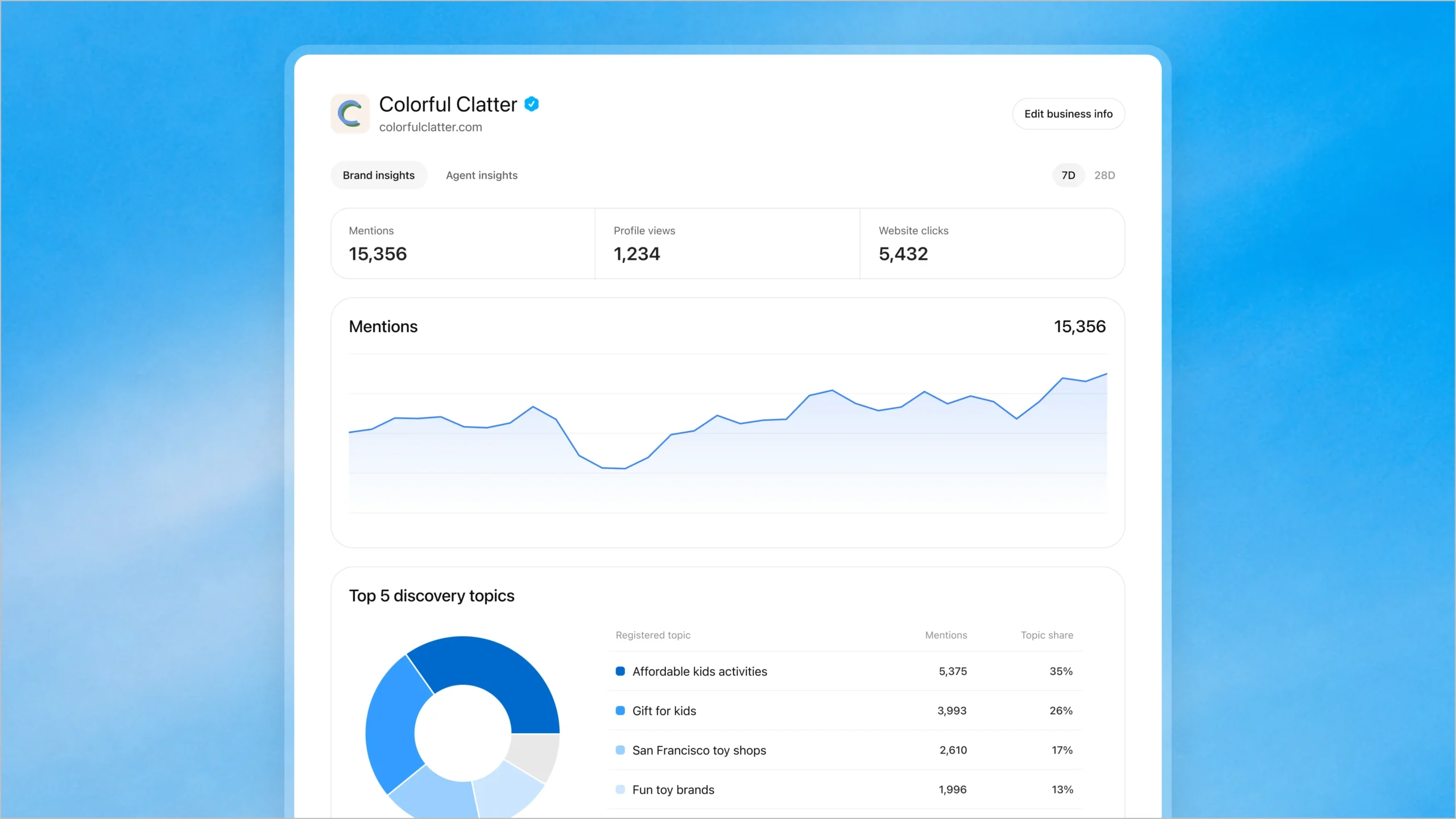
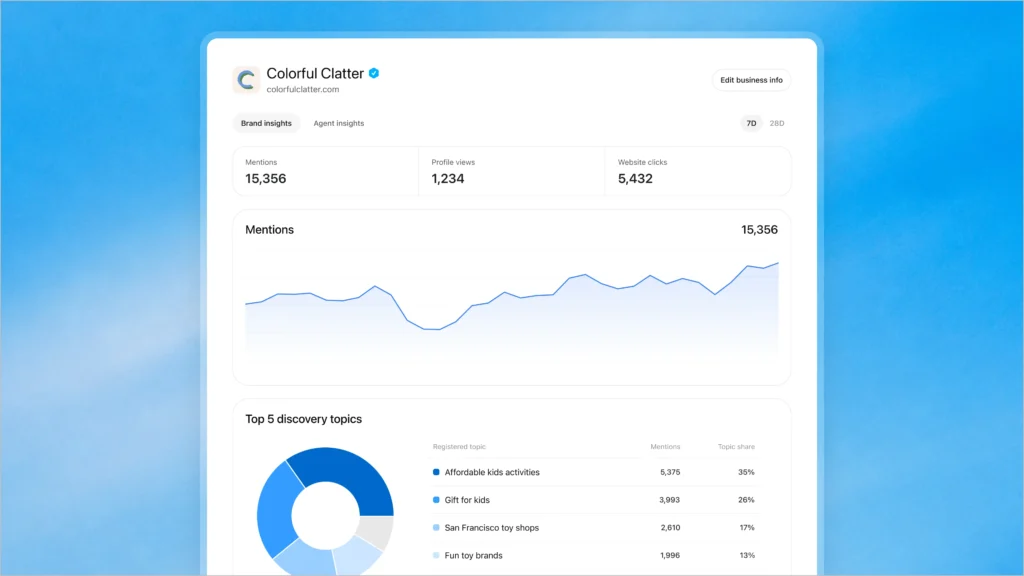
- see insights on mentions, website clicks and discovery topics, which are the common themes in ChatGPT answers that cited your website
- create a Business Agent, if your business is eligible
A Business Agent is a chat assistant for your business inside ChatGPT. A shopper who opens your profile can ask it about your products and policies, and it answers using the information you provide. For now, Business Agents are only available to eligible e-commerce and online service businesses in the US, so Kenyan businesses can’t create one yet.
How to claim your business in ChatGPT
Here is how we set up OnMedia’s profile. Our profile is still a draft while identity verification is pending, so the last two steps show what you will see at that stage, not a finished profile. You don’t need a ChatGPT Ads account or an Enterprise agreement to claim a business.
Step 1: Open ChatGPT Business Hub
Go to chatgpt.com/business-hub and sign in with the ChatGPT account you want to manage the business from. Choose it deliberately, because it becomes the admin for your profile and can add teammates or an agency later.
Business Hub opens with a single search bar. Our search for OnMedia returned no matching business.
Step 2: Search for your business
Type your business name into the search bar. If ChatGPT already has a listing for you, select it and verify that it’s yours. Depending on the business, OpenAI offers verification by business phone, business email, website domain or Shopify store.
If nothing matches and you run an eligible online business, you will see an option to create a profile. There was no listing for OnMedia, so we selected Create ‘OnMedia’ and then Get started.
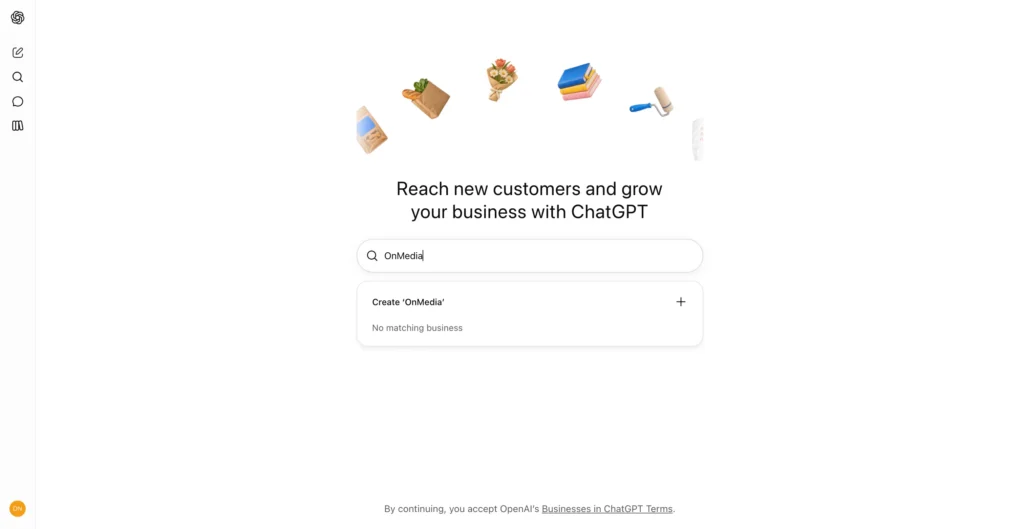
Creating a profile opens a short summary of what Business Hub offers.
Step 3: Choose how customers buy from you
ChatGPT asks how customers usually interact with your business. You can choose At a physical location, for stores, restaurants and offices, or Through a website, for businesses whose customers buy from a website or marketplace. We chose the website option, and an online shop would do the same.
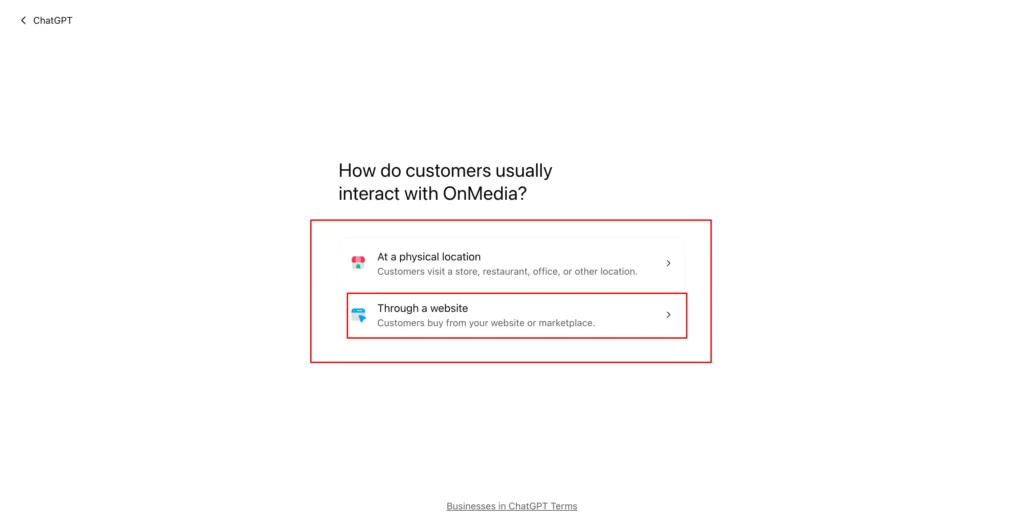
The website option is the one that applies to online stores.
Step 4: Add your website and verify it with a TXT record
Enter your website address.
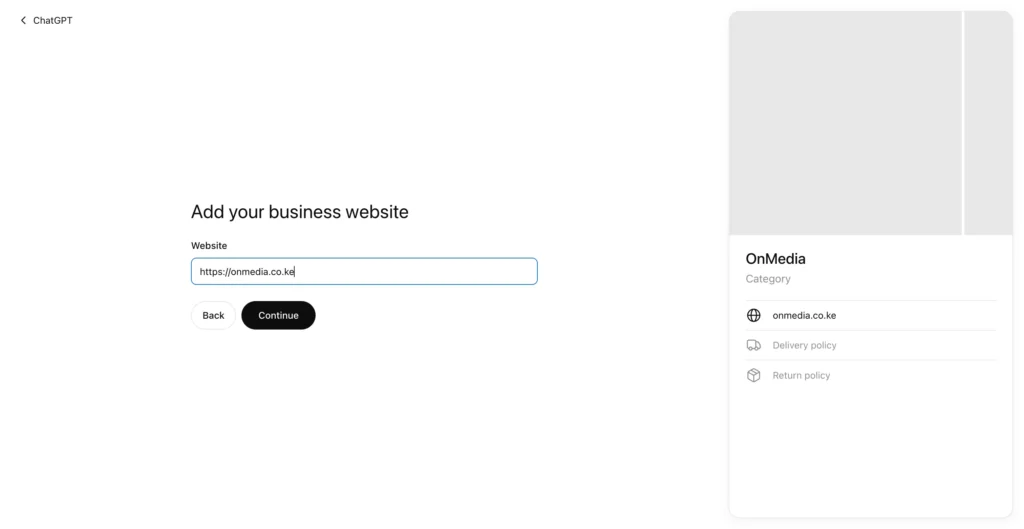
ChatGPT then asks you to prove that you control the domain by adding a TXT record to its DNS settings.
A TXT record is a short line of text saved in your domain settings, usually with your registrar or hosting provider. Copy the type, name and value exactly, add them as a new record, then return to ChatGPT and select Verify domain. If a developer, agency or hosting company manages your domain, send them the three values and ask them to add the record.
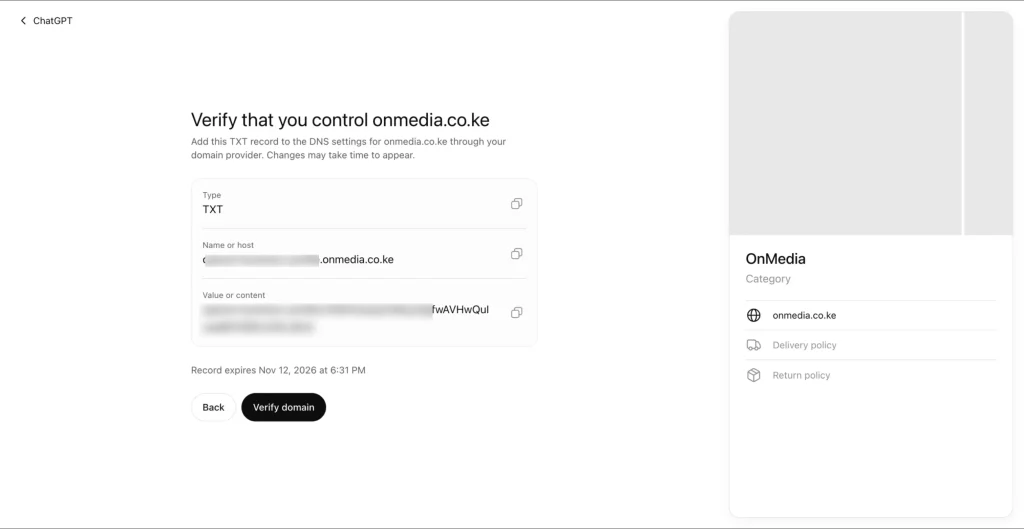
Add it soon, because the record expires, and allow some time for DNS changes to show up.
Enter the address customers use to buy from you.
ChatGPT gives you the exact record to add. We have blurred our verification value, and you should keep yours private.
Step 5: Describe your business and add contact details
Pick a business category. ChatGPT suggested Online media company and Video production service for OnMedia, neither of which fits, so we chose Marketing agency from the list instead.
The next field, More about your business, is optional, but for an online shop it is the most useful one on the page. ChatGPT says it will share this information in conversations when it is helpful or relevant. Say what you sell, who you sell to, where you deliver and how long it takes, how customers can pay and how returns work. These are the questions shoppers ask before they buy.
Finally, add an optional phone number and email address. The preview on the right also shows spaces for delivery and return policies, which you can fill in after verification.
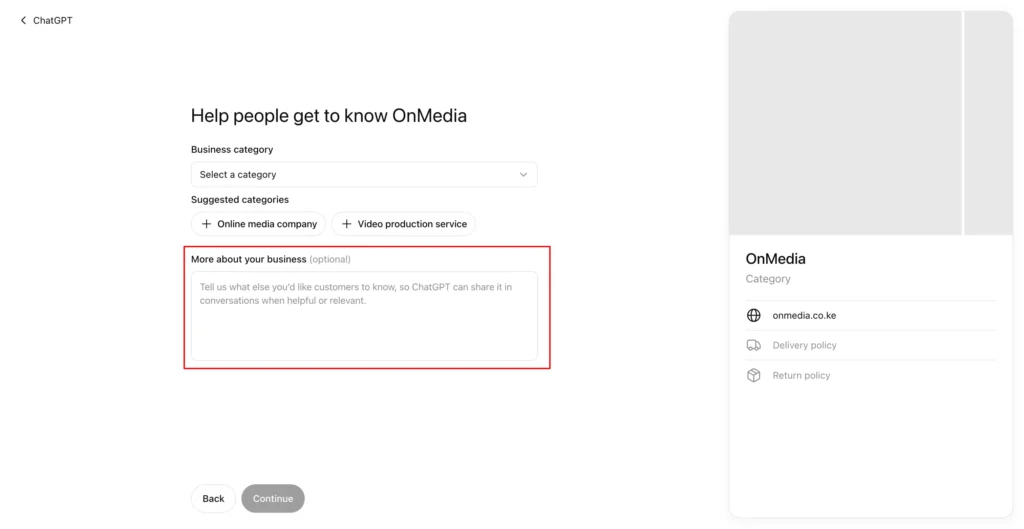
The business description is your chance to tell ChatGPT what customers need to know.
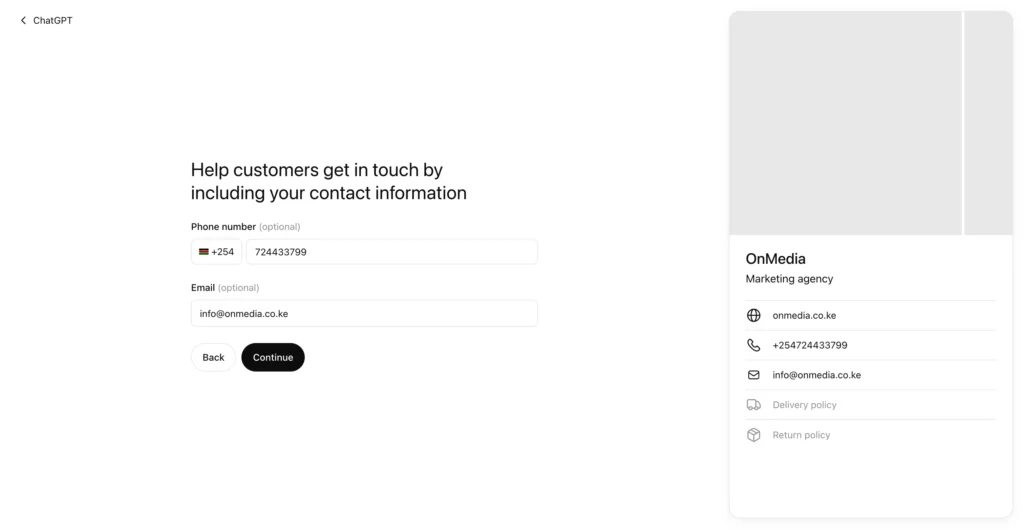
Contact details appear on the profile preview as you type them.
Step 6: Verify your identity with Persona
Business Hub now shows your profile as a draft and asks you to verify your identity through Persona, an identity verification service. Until Persona verification is approved, you can’t publish changes, connect a product feed, view insights or create a Business Agent.
OpenAI says you may need a government-issued ID, business registration information and proof that you are authorised to represent the business. Make sure the name, address and registration number you give match your official business records.
One detail is easy to miss. If you created a new profile, OpenAI publishes it automatically once your Persona verification is approved, with no separate publishing step. Check every detail before you submit.
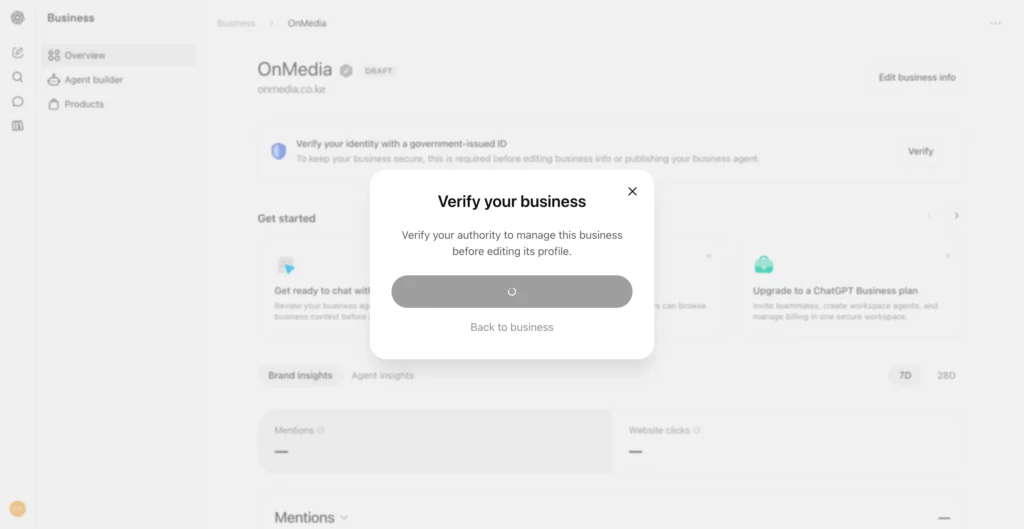
Before you can edit your profile, ChatGPT asks you to verify that you have authority to manage the business.
Step 7: Explore the dashboard
The dashboard has three areas: Overview, Agent builder and Products. The overview suggests next steps, such as uploading a product catalogue, and shows Brand insights for the last 7 or 28 days.
Our mentions and website clicks were blank. That doesn’t mean nobody has ever been sent to OnMedia’s website from ChatGPT. Insights only unlock after Persona verification, and OpenAI says a blank figure can also mean activity hasn’t reached its reporting threshold or data is still being collected. For an online business, a mention only counts when ChatGPT references your website. Naming your brand alone doesn’t count.
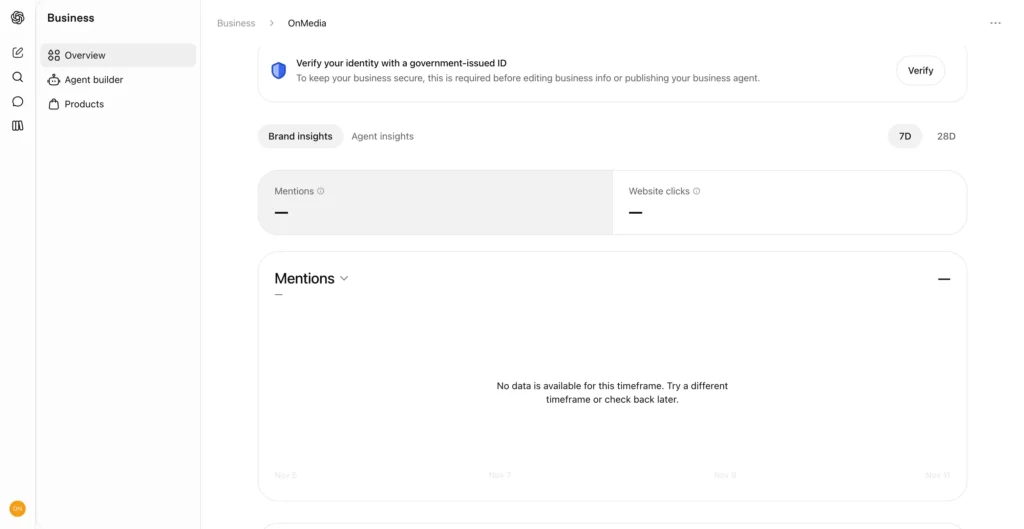
Brand insights were blank because our identity verification was still pending.
Why should e-commerce businesses pay attention?
Picture someone in Nairobi asking ChatGPT where to buy a laptop bag for under KES 5,000, which of two washing machines suits a family of five, or which furniture shop delivers to Kitengela. ChatGPT answers from whatever it can find about the shops involved. Business Hub gives an online store a way to make sure some of that information comes from the store itself.
Current product information.
A product feed shares your prices and availability with ChatGPT directly, so it isn’t relying on a page it read weeks ago. That matters most when prices change with stock or promotions. OpenAI is clear that connecting a feed doesn’t guarantee ChatGPT recommends your products.
Help for customers who are deciding.
A Business Agent can answer follow-up questions about your products, returns and other policies, then send the shopper to your website to buy. It can’t complete purchases or check orders, and it is only available to eligible US businesses for now.
A first look at measurement.
Mentions, website clicks and discovery topics give businesses their first direct view of ChatGPT activity. The figures are aggregated, so you won’t see individual prompts or conversations.
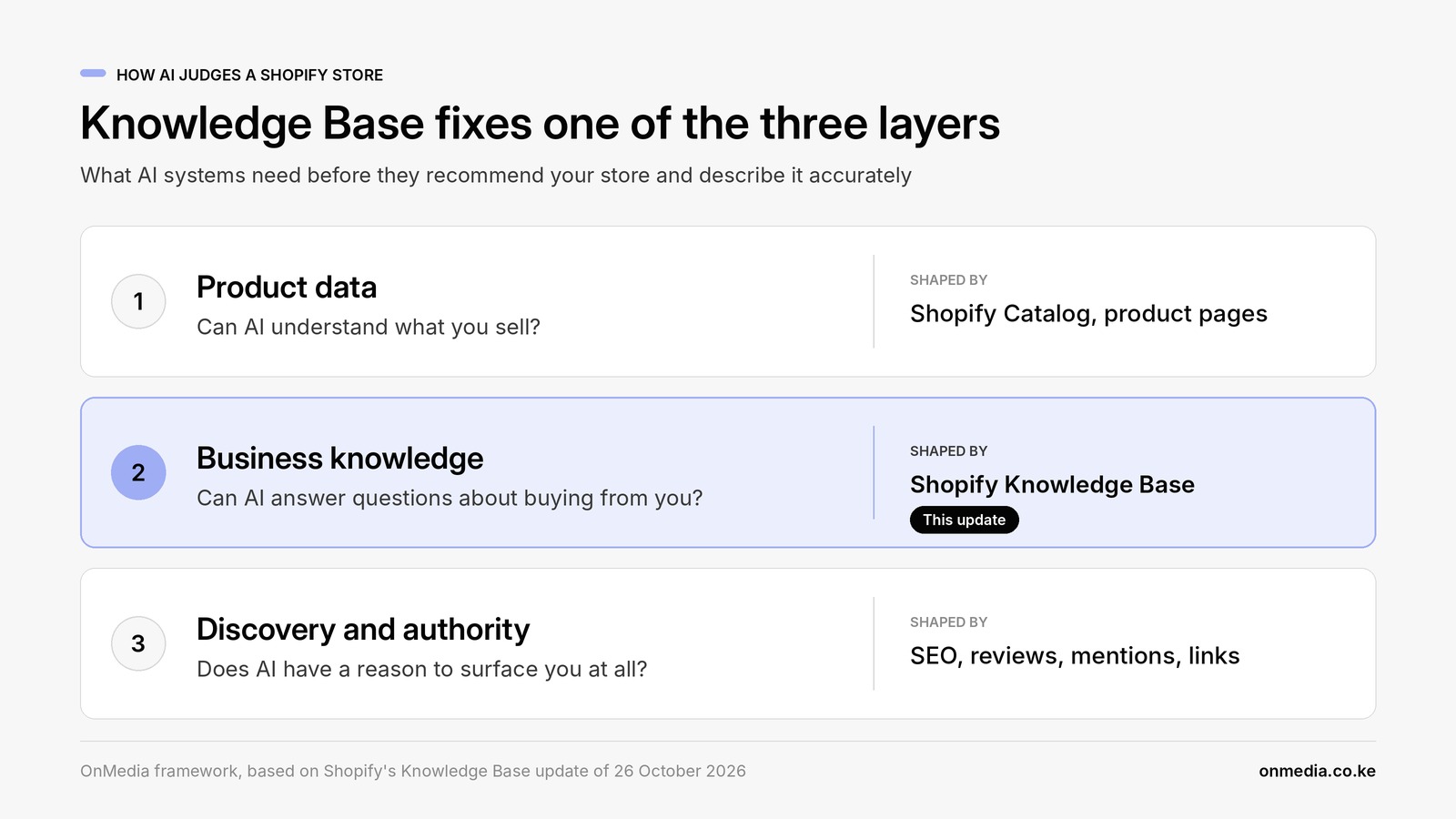
Our view is that the profile is the smallest part of this.
For an online shop, the real value is in the product feed and the insights, because they show what ChatGPT is working with and how often it sends people your way.
What we don’t know yet is how much weight ChatGPT gives this information compared with your own website, so we would treat both as sources that need to say the same thing.
Can businesses in Kenya use ChatGPT Business Hub?
Kenyan online businesses can start the process today. We created OnMedia’s draft profile with a .co.ke domain and a +254 phone number and reached identity verification without any problems. We don’t yet know whether Persona will approve Kenyan documents, and we will update this post once our verification is decided.
OpenAI says eligibility depends on a business’s location and type, and on whether the required verification is supported where it operates. Two limits matter here. Business Agents are only available to eligible US e-commerce and online service businesses. Local stores and restaurants can currently only claim an existing US listing, so a Kenyan shop that sells only in person may not see the option to create a profile.
Check what Business Hub offers your business, rather than assuming every feature is available.
Will claiming your business improve its visibility in ChatGPT?
Not on its own. OpenAI’s setup guide says claiming a profile “doesn’t guarantee increased visibility” and gives you no direct control over ChatGPT’s independent recommendations. It adds that advertising doesn’t influence ChatGPT’s independent answers either.
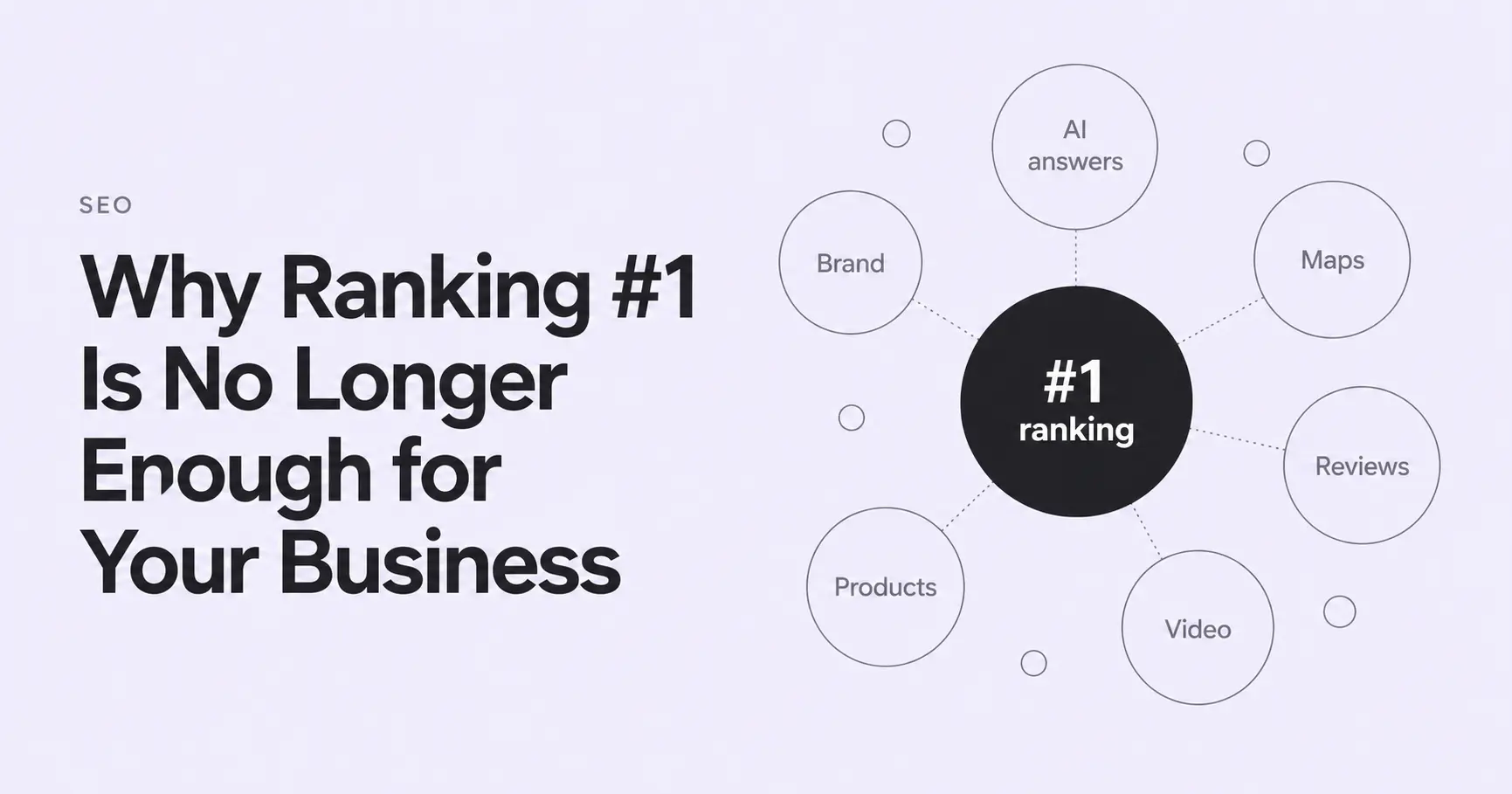
What a profile does is let you manage the information you give ChatGPT. OpenAI adds that ChatGPT may still draw on other sources when it answers questions about your business. For an online shop, that means the basics still decide a lot: product pages that answer real questions, clear delivery and returns policies, and a business that other credible sites talk about.
Claim your profile now, and use it to check what ChatGPT knows about you
If you run an online business, it is worth spending an afternoon in Business Hub. Create or claim your profile, verify your domain, and write a description that answers the questions your customers ask before they buy.
Then treat the gaps as a to-do list. If you struggle to write a clear delivery policy for your profile, your customers probably struggle to find one on your website too. Fixing the page helps shoppers, Google and ChatGPT at the same time.
If you’d like a second pair of eyes on how your products show up, see how we help online stores get found on Google and in AI search.